 01
01Getting Started
Getting Started with LabelBlend
Install the application, tour the Prompt, Video, Mask, Edit, Blend and View workspaces, and set up your first project folder.
Beginner8 min
Watch tutorialTutorials
Each tutorial follows a real task from start to export. Video walkthroughs are published on the Verma AgentiX YouTube channel; cards link to the channel until an individual video is available.
01Getting Started
Install the application, tour the Prompt, Video, Mask, Edit, Blend and View workspaces, and set up your first project folder.
02Annotation
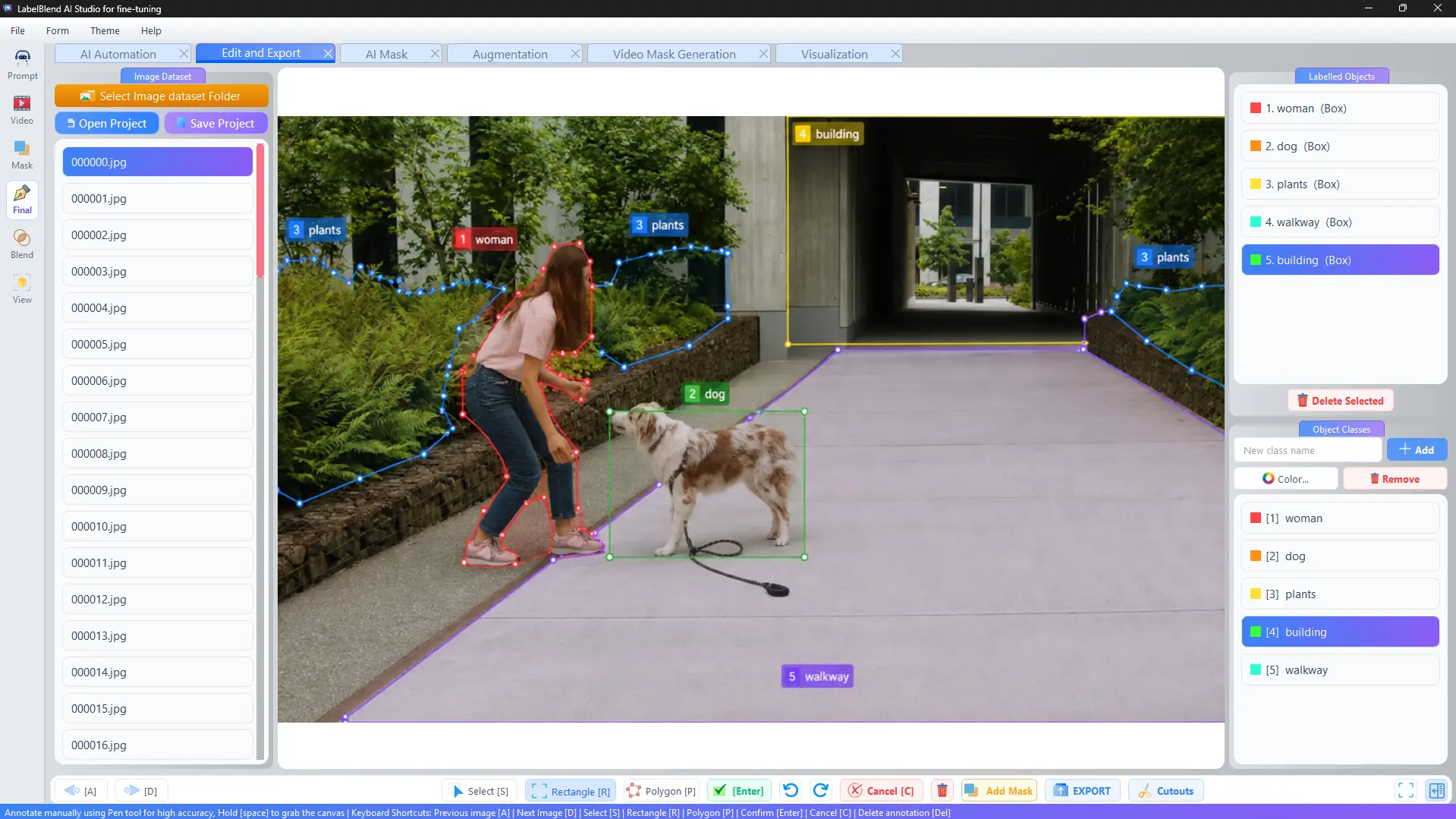
Load an image folder, add object classes, draw rectangles and polygons, and save the result as a dataset.
 03
03AI Annotation
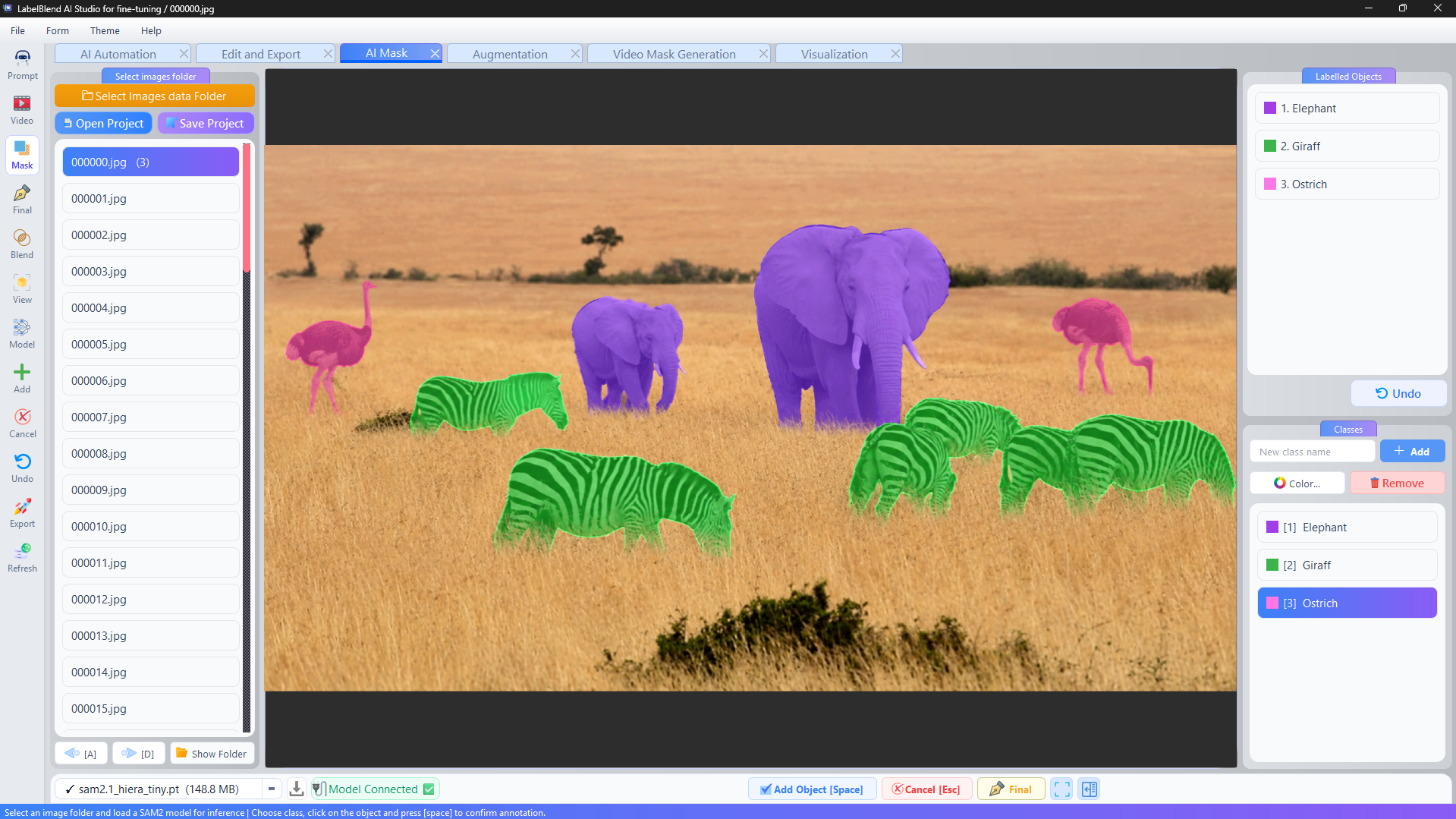
Download a SAM2 checkpoint, connect the model, generate mask proposals from clicks and confirm them per class.
 04
04Datasets
A complete walkthrough from raw street photos to an exported bounding-box dataset with a train/validation split.
05AI Annotation
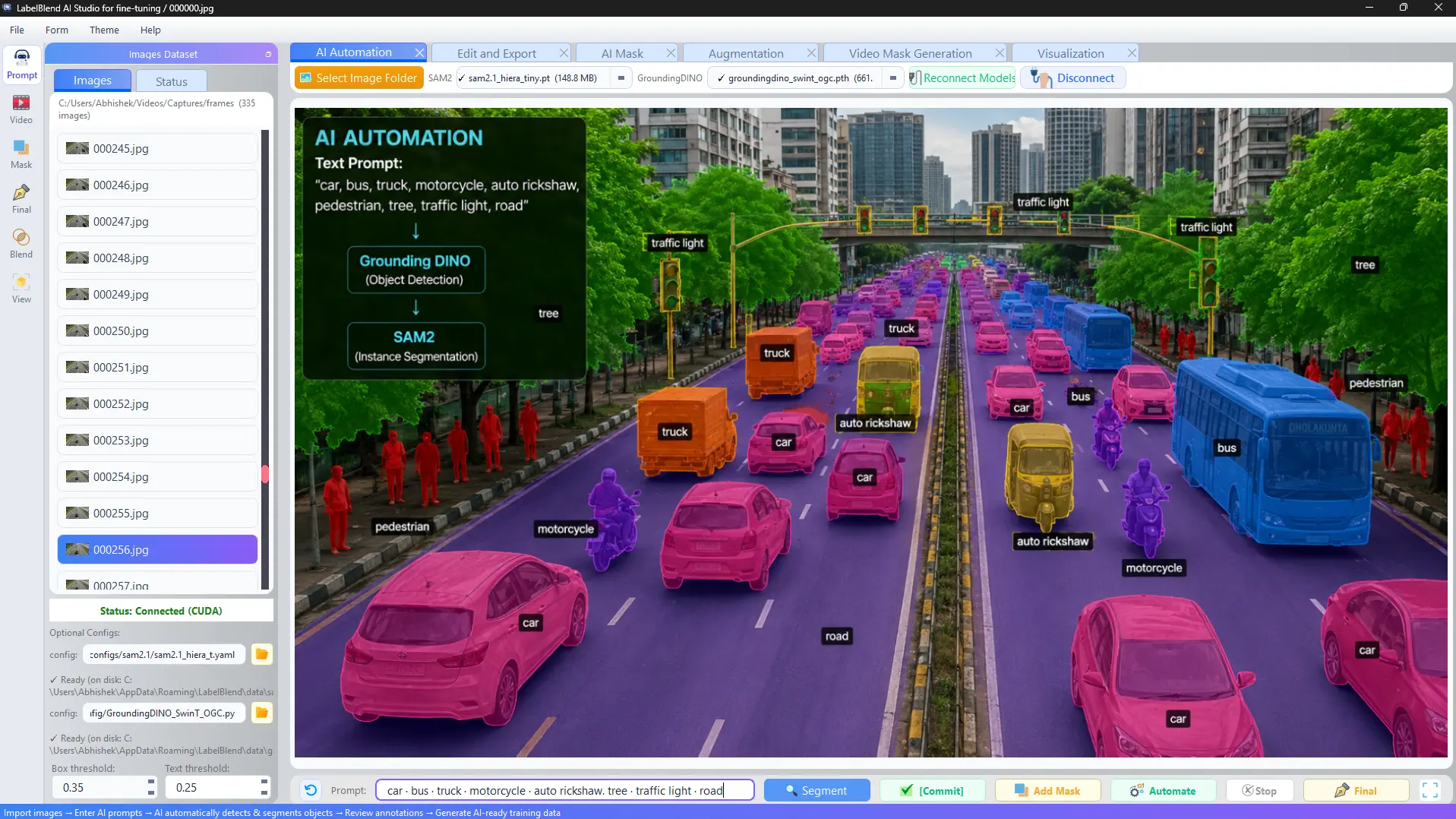
Use prompt phrases and threshold settings to propose labels for several classes at once, then review the output.
 06
06Video
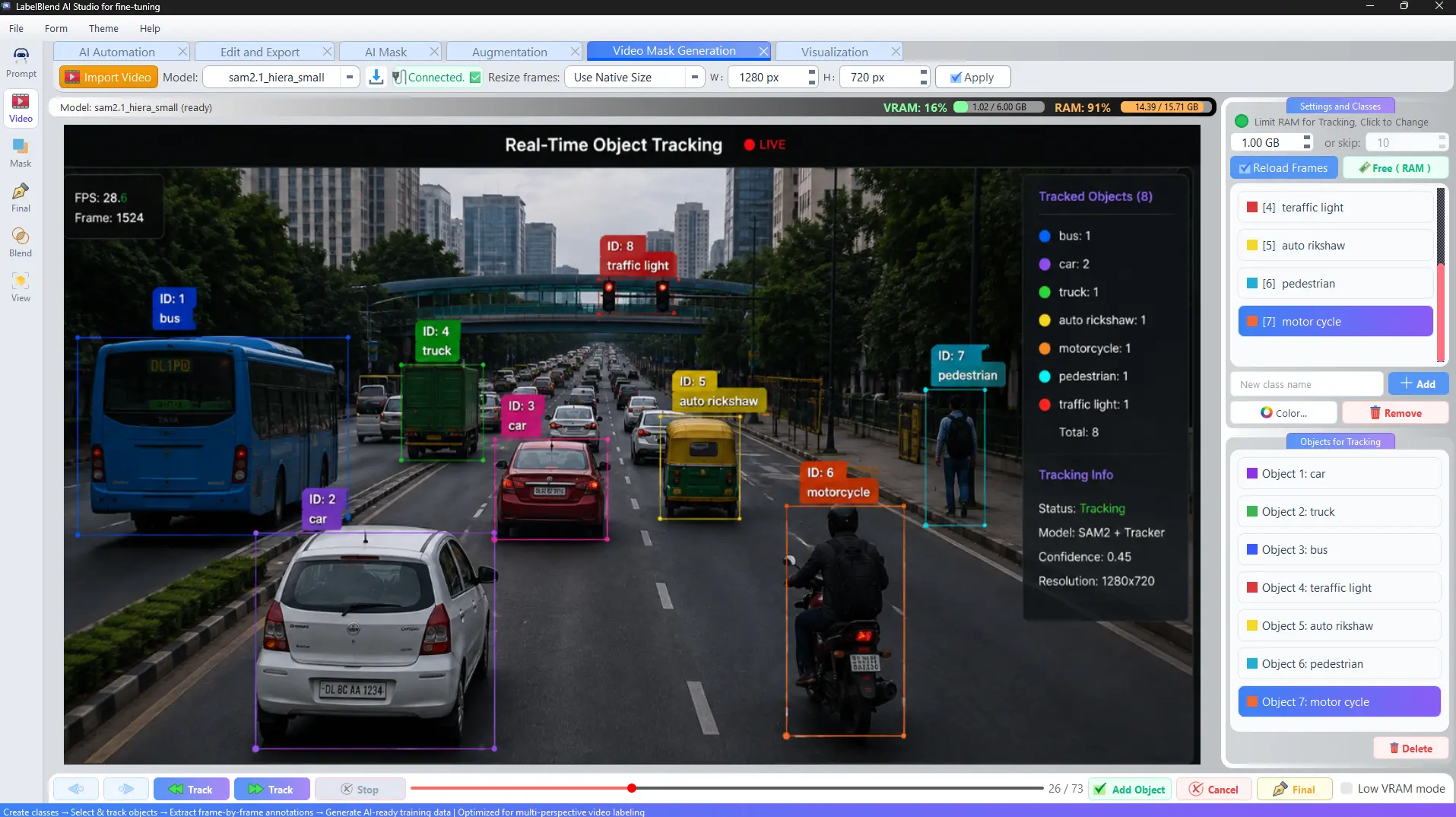
Import a clip, manage frame memory, select objects, track them with SAM2 and generate annotated frames.
 07
07Synthetic Data
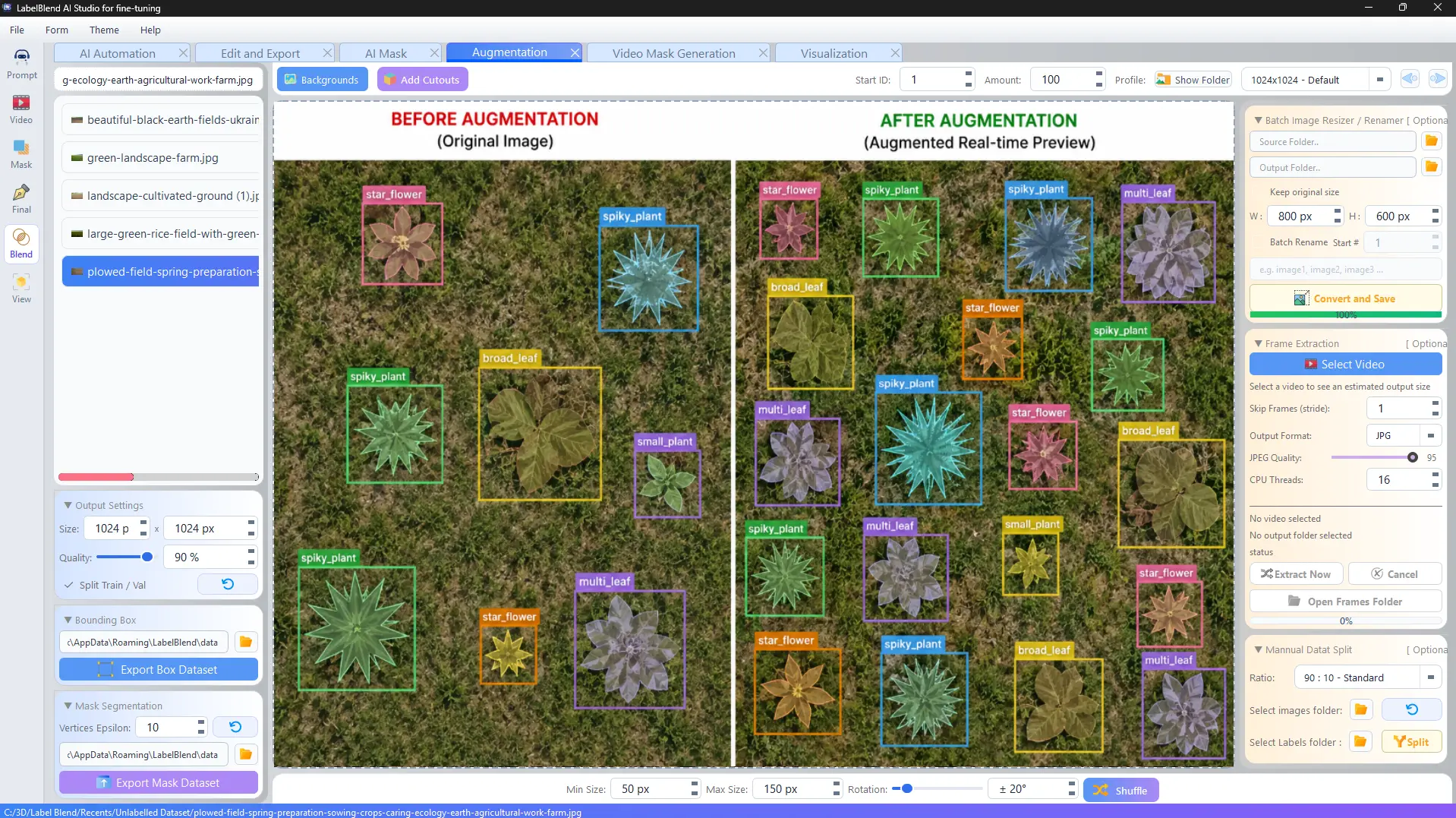
Build a composition set from cutouts and backgrounds, tune size and rotation, and generate labelled images in batch.
08Annotation
Work through a folder of AI proposals in the editor, fixing classes, reshaping polygons and deleting false positives.
09Export
Organise images and labels, apply batch resize and rename, then split into train and validation folders.
 10
10Datasets
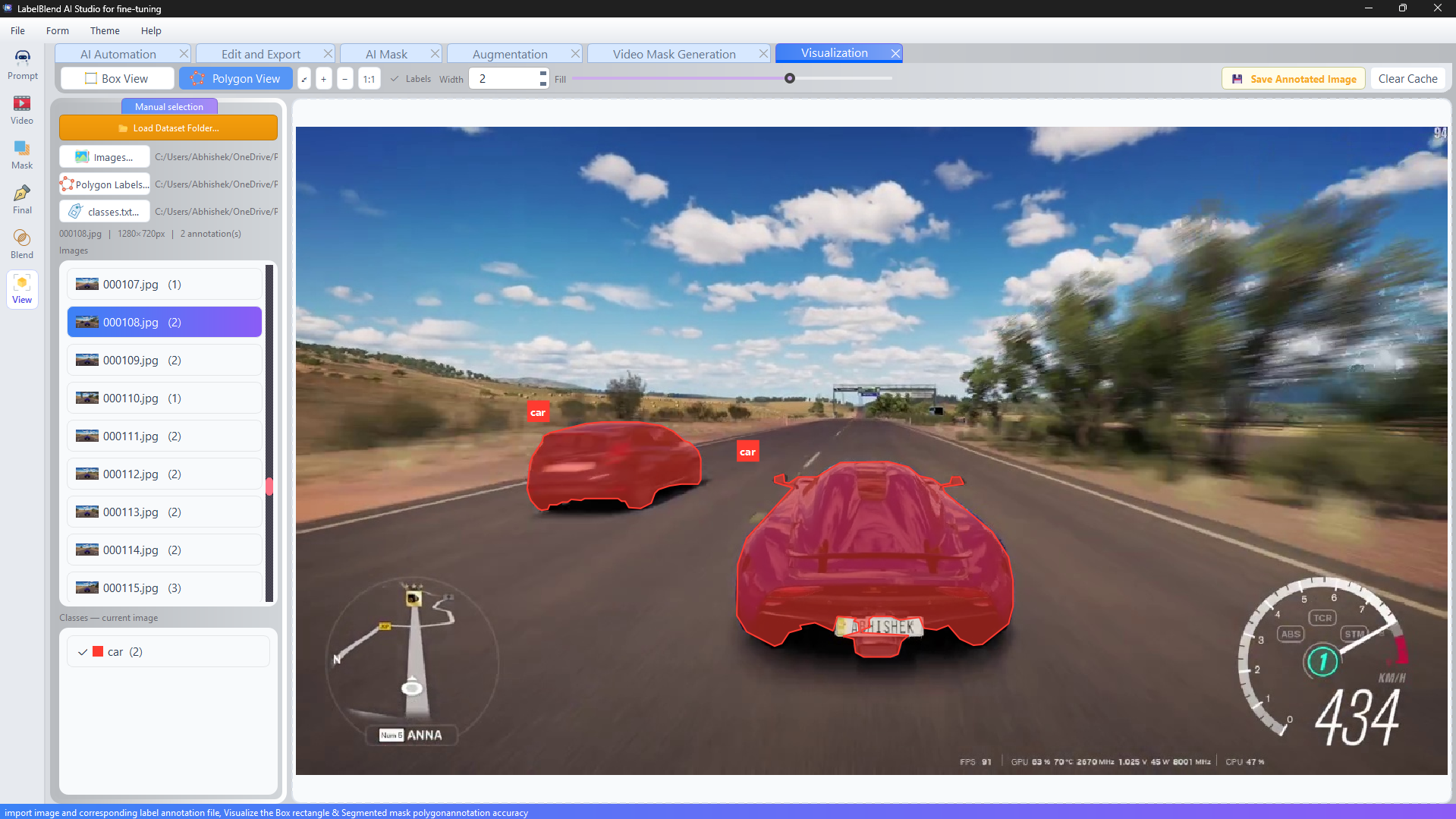
Use the viewer to inspect overlays, spot missing or wrong labels, and re-export a corrected dataset.
The documentation covers installation, model downloads, every workspace, keyboard shortcuts and troubleshooting.